









Sinclair Radionics
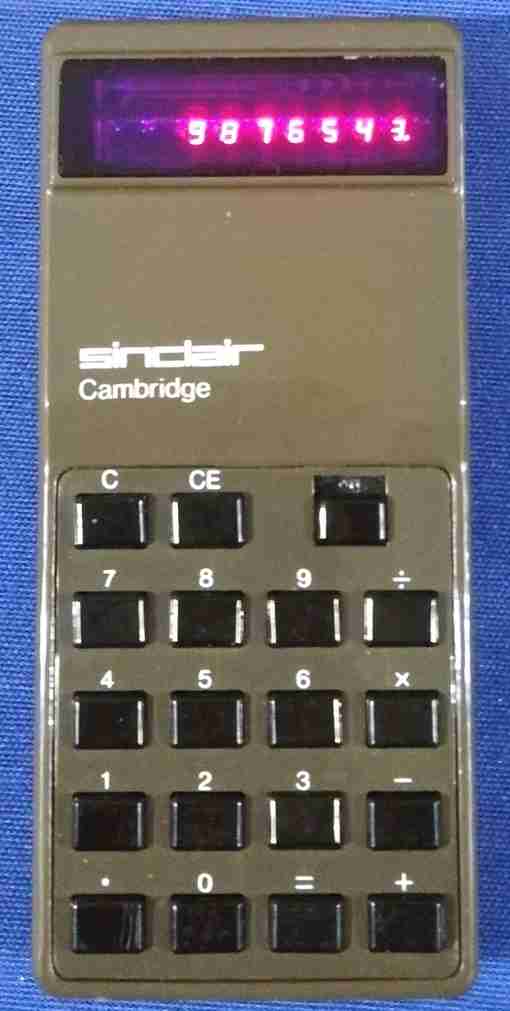
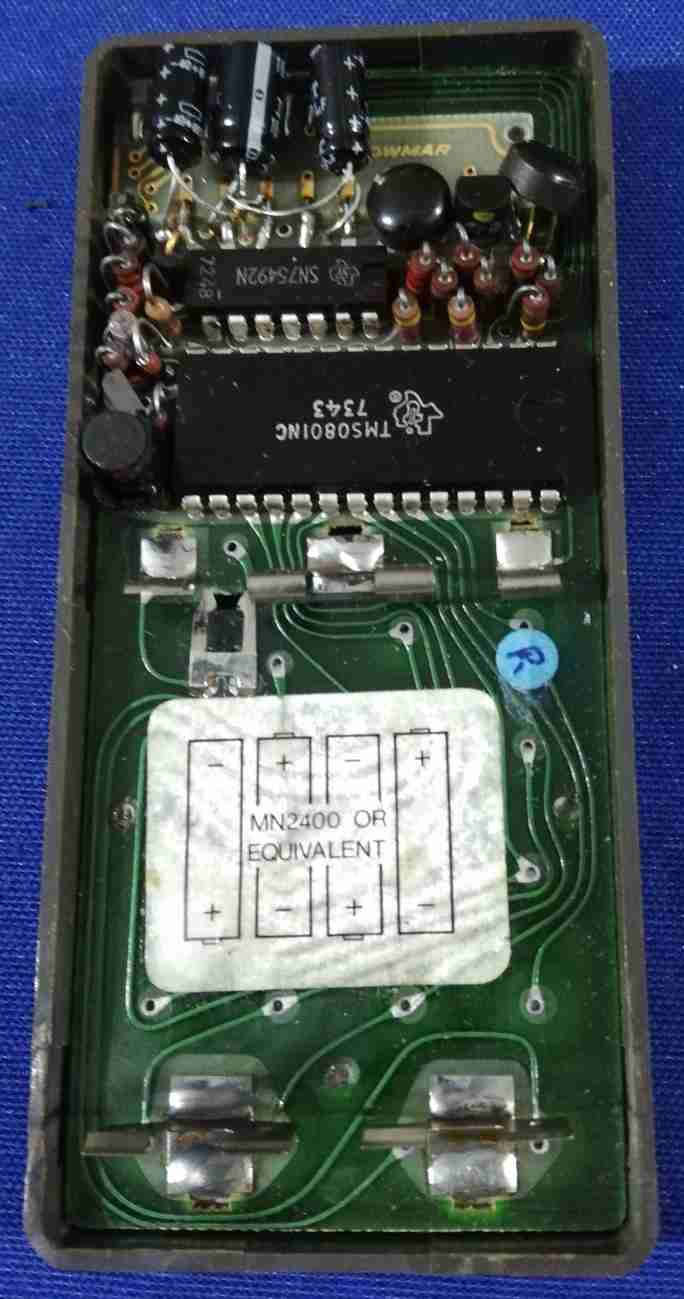 Model: Cambridge Type 2
Battery: 4 x AAA cells
AC adapter:
Year: 1973
Chip: TMS0801NC
Info: made in England
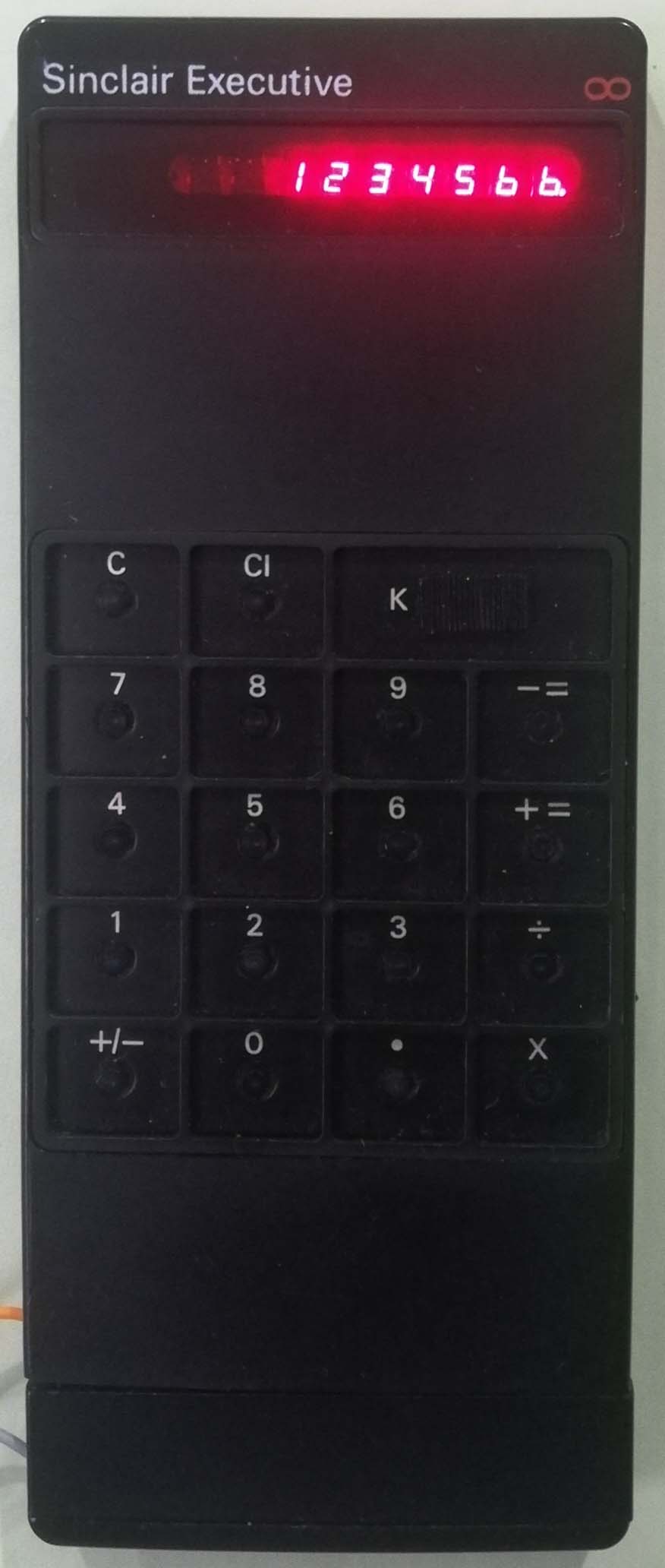
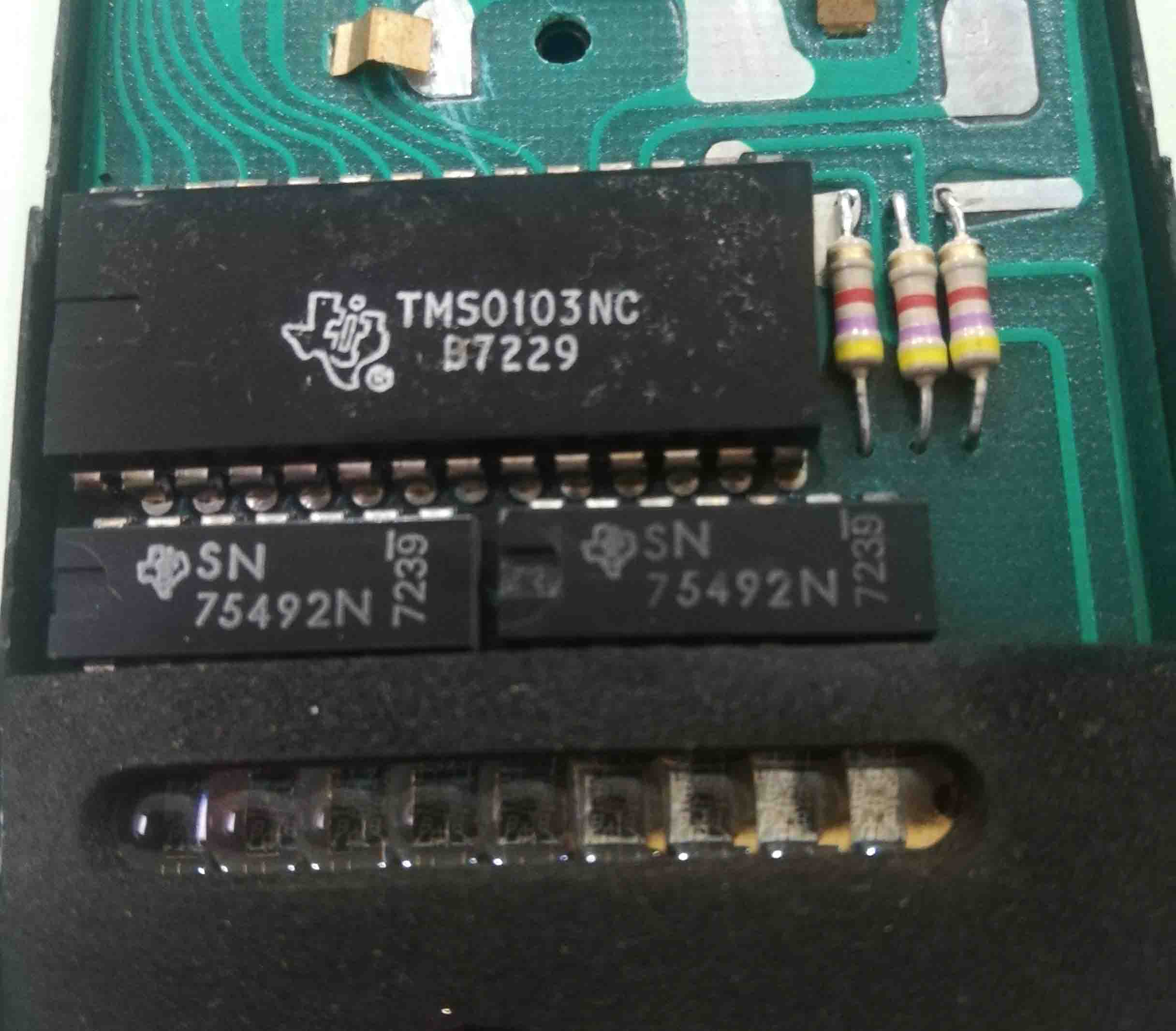 Model: Sinclaire Executive Type 1
Battery: 4 x AAA cells
AC adapter:
Year: 1972
Chip: TMS0103NC
Info:made in England
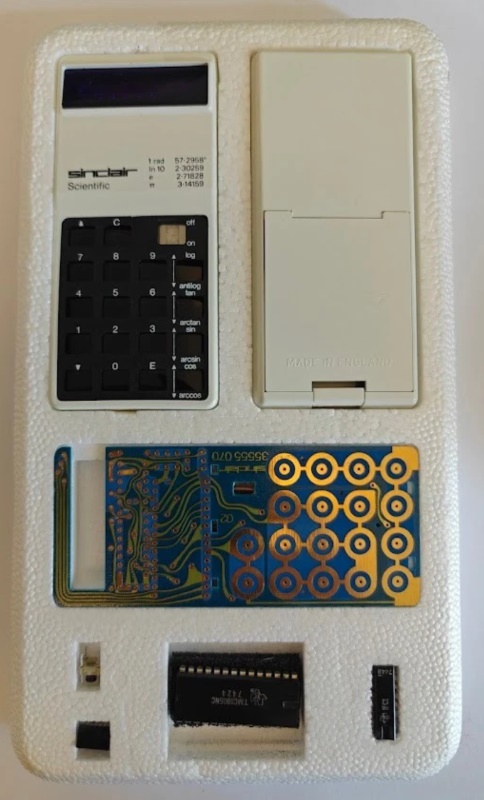 Model: Kit Sinclair Scientific
Battery: 4 x AAA cells
AC adapter:
Year: 1974
Chip: TMS0805NC
Info:A Sinclair Scientific calculator kit in its polystyrene packaging. Assembly instructions for the Sinclair scientific calculator kit and the soft carrying case.
The components of the Sinclair scientific calculator kit also include a small bag containing small parts that are not visible. Made in England
Here you can find the assembled and working version Sinclair Scientific.
I must extend a huge thank you to my friend Walter M., who enabled me to purchase the rare Scientific calculator kit featuring the Texas Instruments TMS0805 chip.
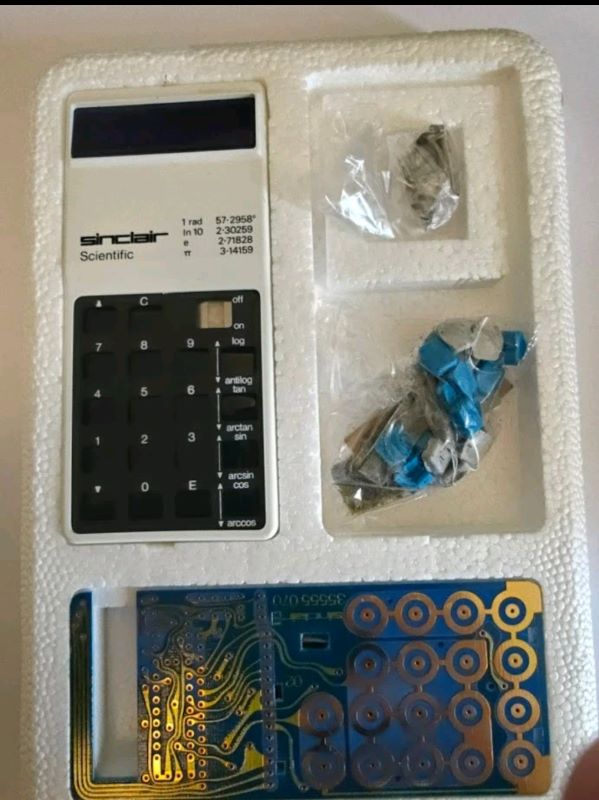
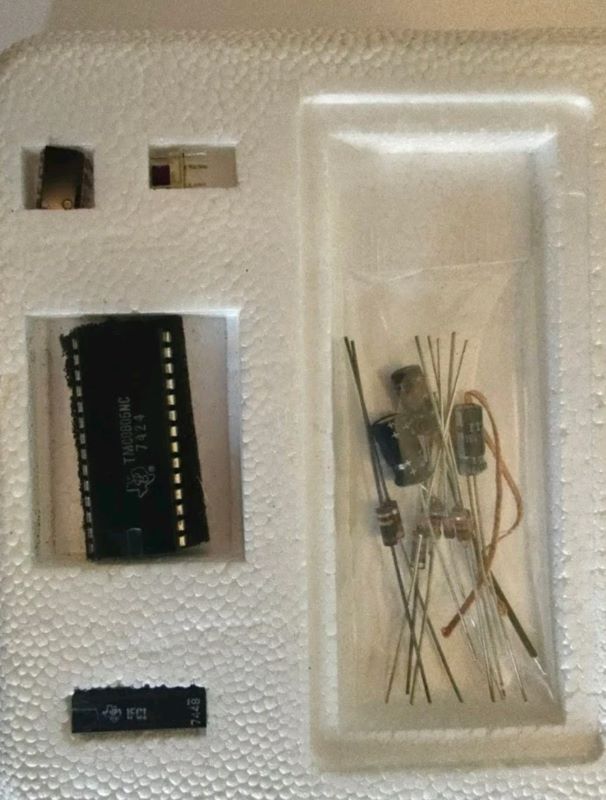
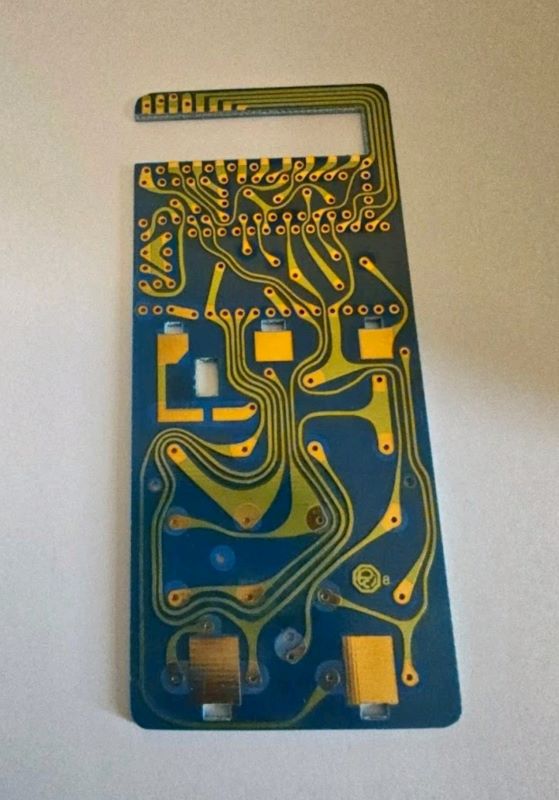
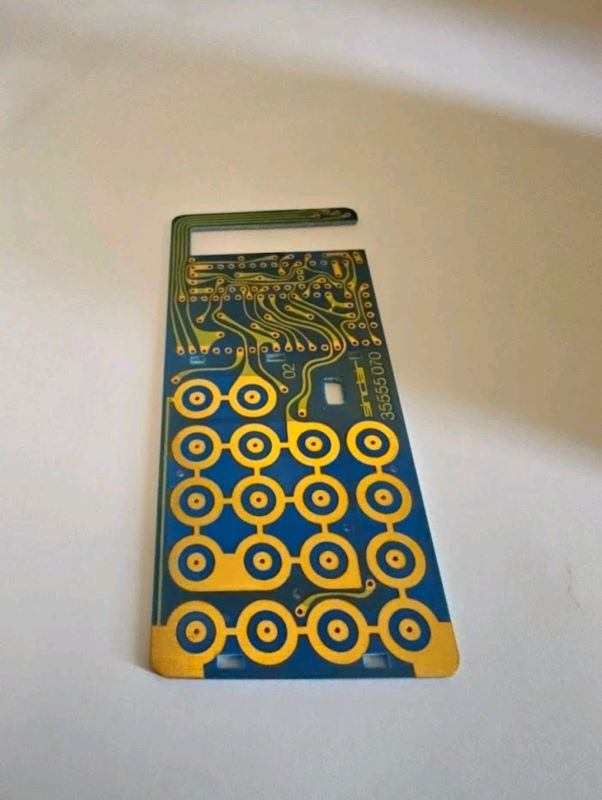
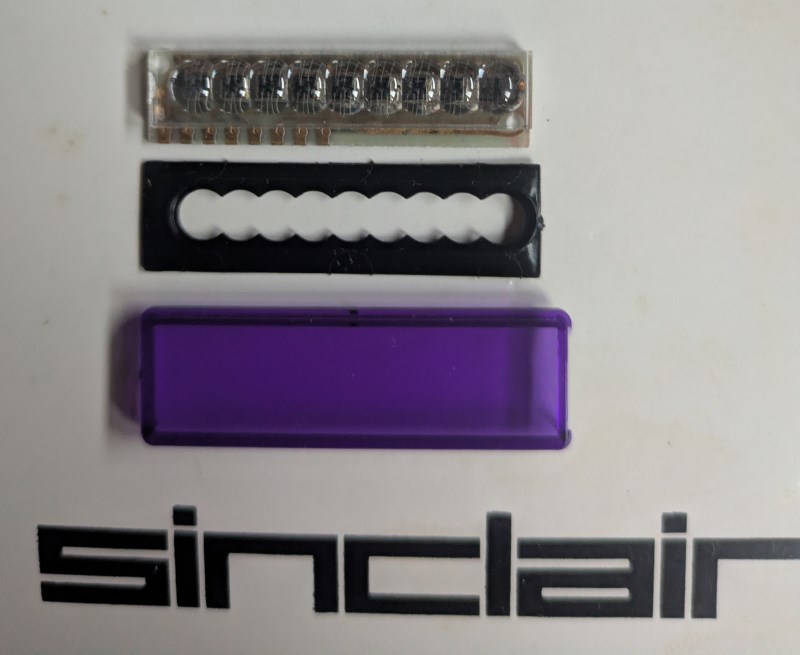
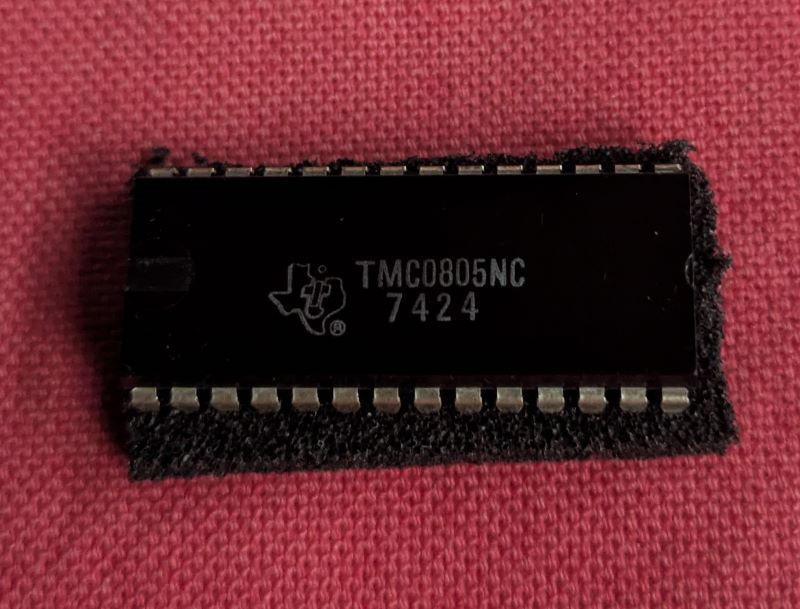
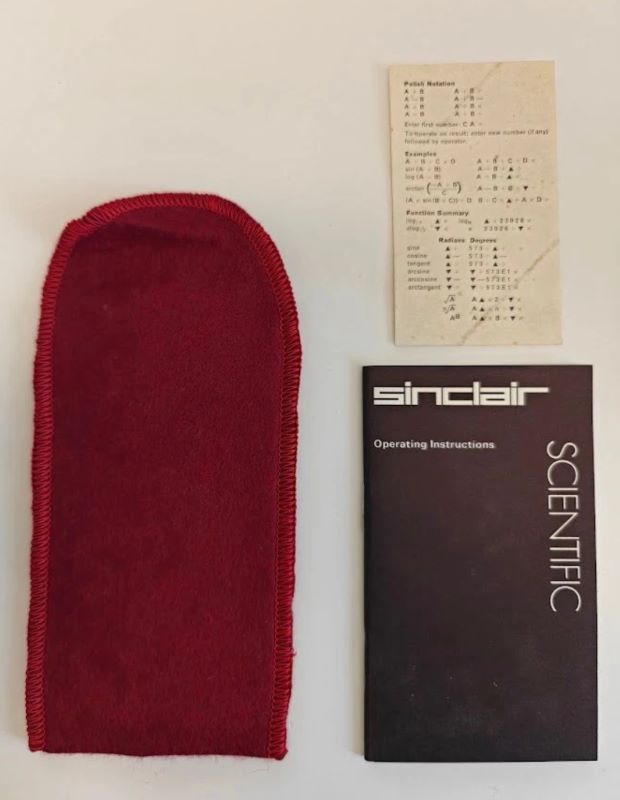
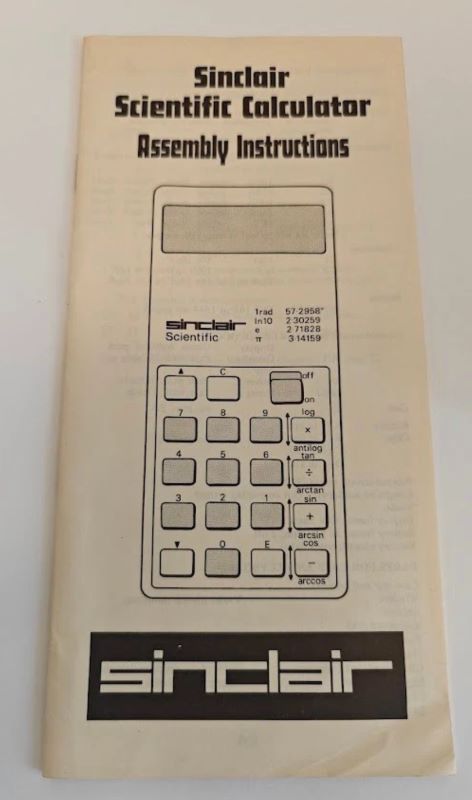 The assembly instructions for the Sinclair Scientific calculator kit and the soft carrying pouch.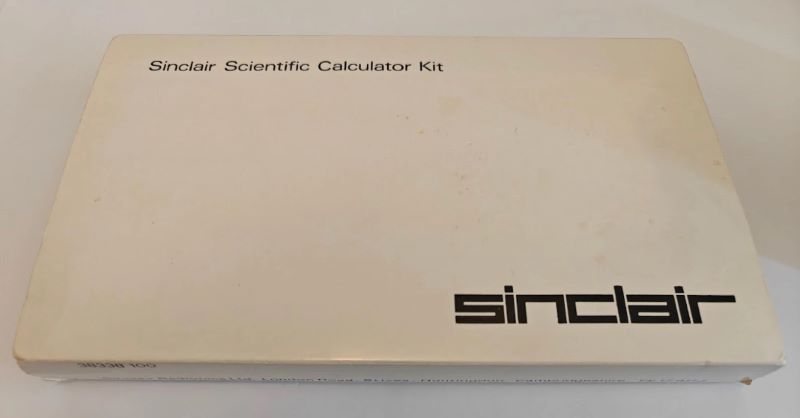
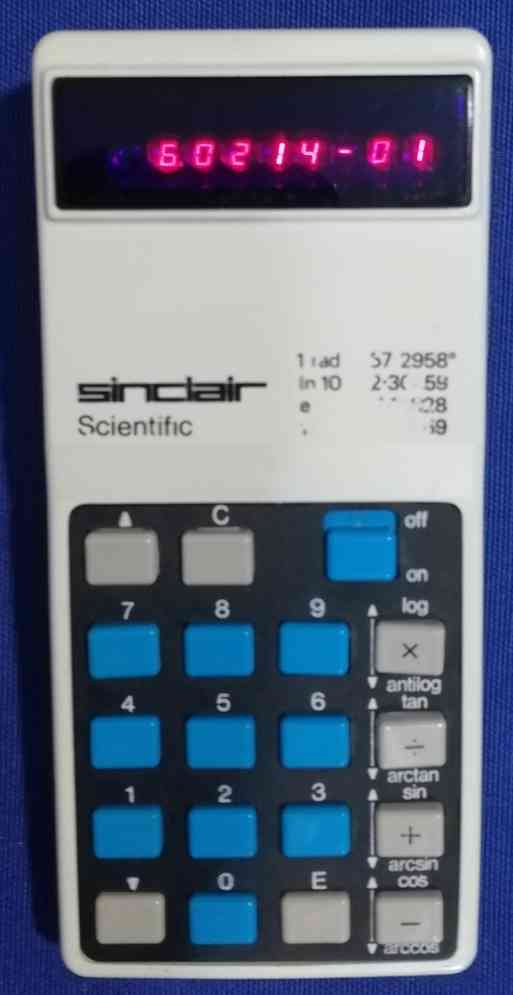
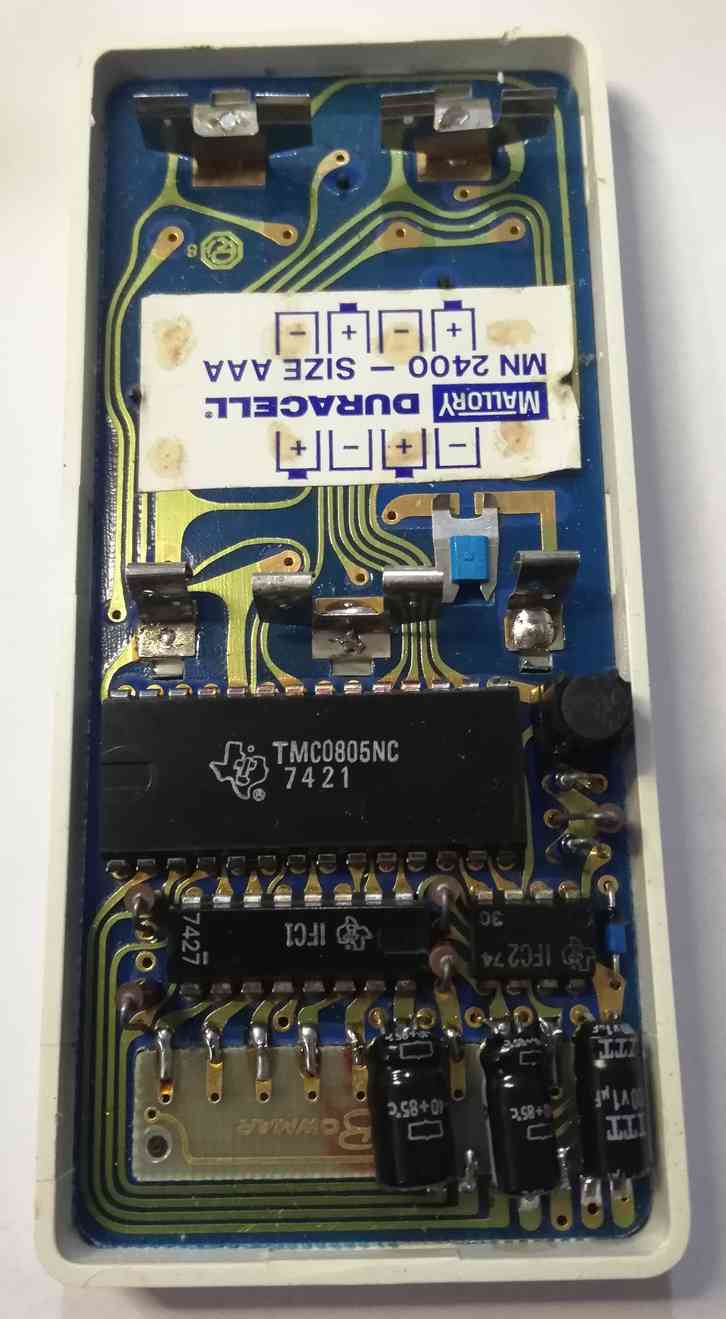 Model: Scientific
Battery: 4 x AAA cells
AC adapter:
Year: 1974
Chip: TMS0805NC
Info: made in England
Here you can find the diassembled version Kit Sinclair Scientific.
How to use this unusual calculator
The Sinclair Scientific calculator uses reverse Polish notation (RPN) and scientific notation, so the key sequences are totally different from regular calculators. Numbers automatically have a decimal point inserted; use E to set the exponent. Operations are entered after the number and there is no equals key. Use the up and down arrows to select scientific functions. A display such as 1.2300 01 indicates 1.23*10^1, i.e. 12.3. A few examples:
To divide 17 by 3, enter 1 7 E 1 + 3 ÷
To take the sin of 0.01 radians, enter 0 0 1 ▲ +
To take antilog of .5 (to compute 10^.5), enter 5 E - 1 ▼ ×
Reverse Engineering from Ken Shirriff's blog




.jpg "Core Module Watch")



.jpg "APPLE")
.jpg "Calculator Fuller")

.jpg "Console / Games")
.jpg "Olivetti Valentine")
.jpg "Battle Star Galactica")


.png)