
How to Play:
- Activate Controls: Click once inside the emulator window to enable your keyboard.
- Main Controls: Use the arrow keys and the keys indicated in the emulator menus. If you are using a standard PC keyboard, make sure the "PC keyboard enabled" option is checked in the settings below.
- Load a Game: Click on Software to choose from the numerous built-in games and programs; if you have a .bin file, click on Load cartridge file, or if you have a .dsk file, click on Load disk image file.

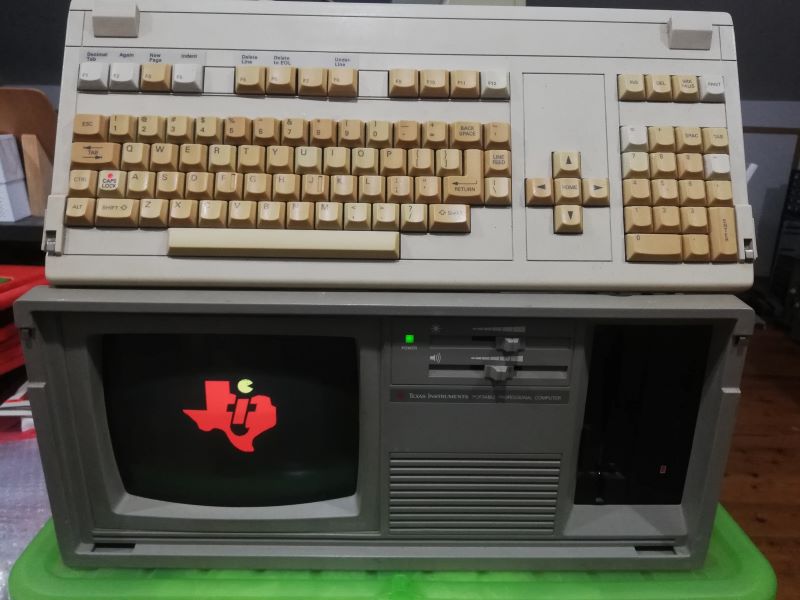



.jpg "Core Module Watch")


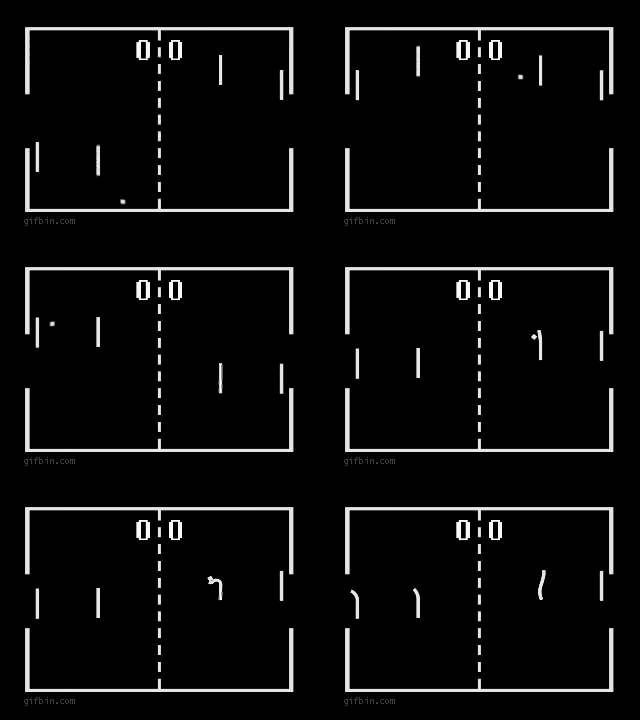
.jpg "APPLE")
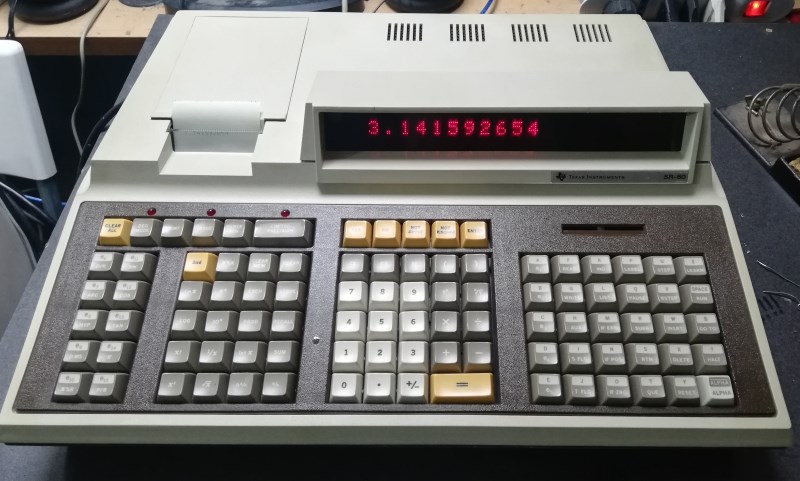
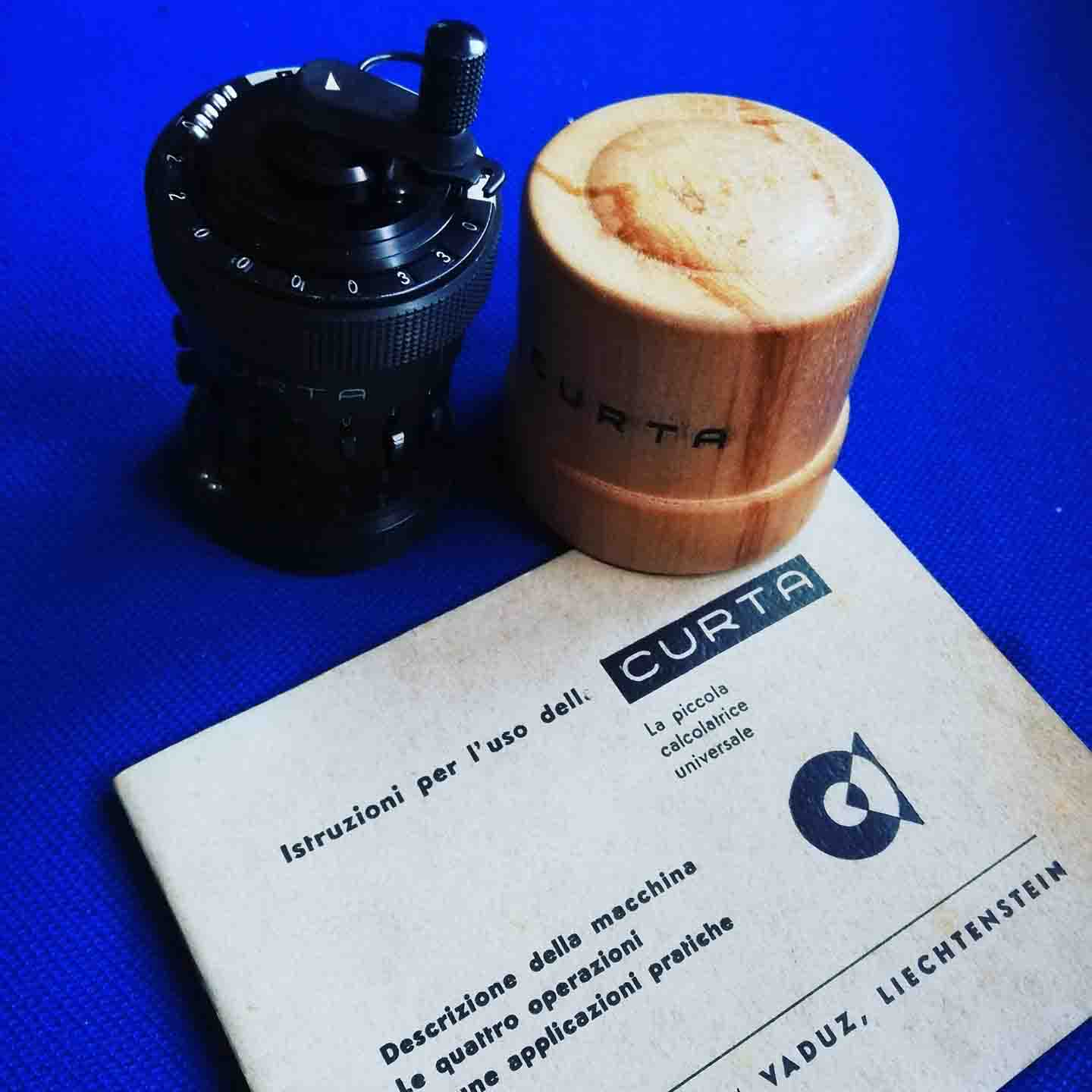
.jpg "Calculator Fuller")
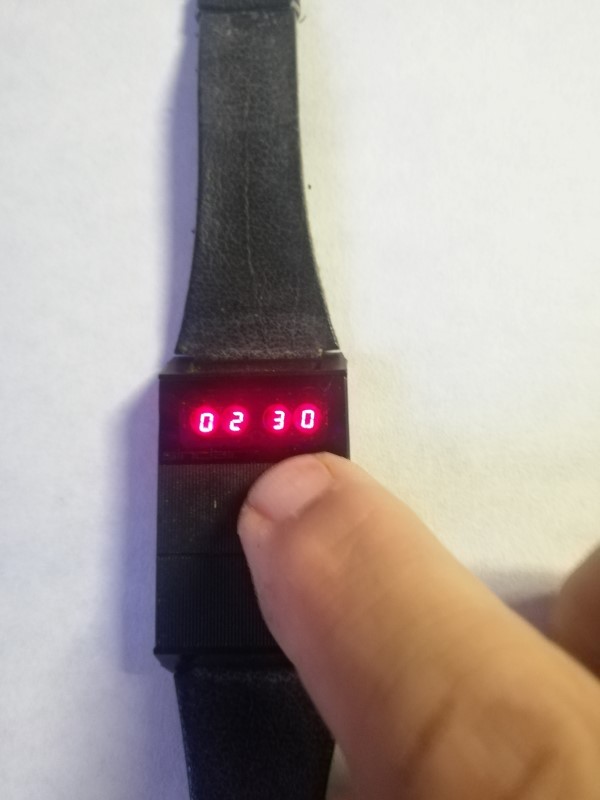
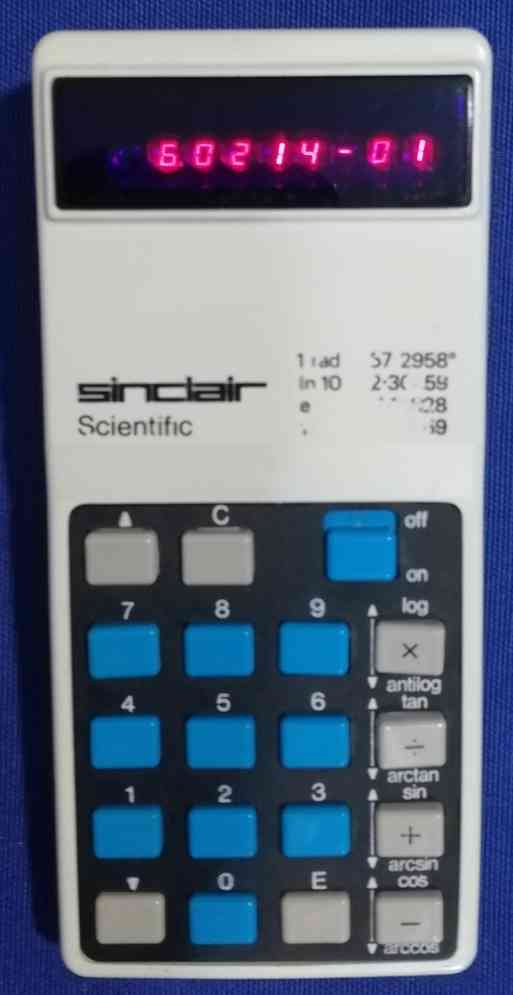
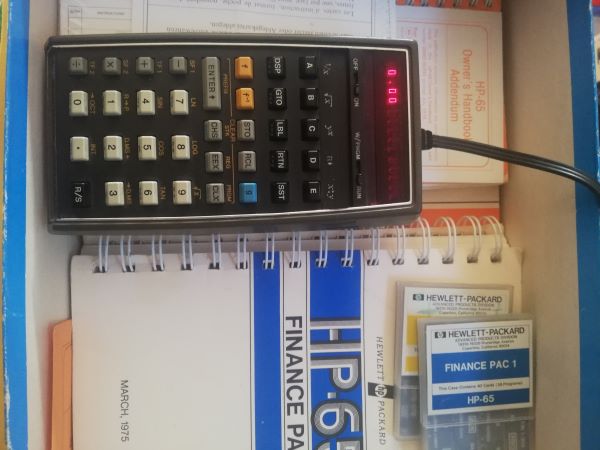

.jpg "Console / Games")
.jpg "Olivetti Valentine")
.jpg "Battle Star Galactica")


.png)