
Module
.jpg) Model: 108 (for Men's watch)
Model: 108 (for Men's watch)
Battery: 391 Face: LCD 6 digit + week + alarm Light: YES Year: 1980 Buttons: Four buttons are used: top right, bottom right, top left, and bottom left.
Function: It displays hours, minutes, seconds, day, and month, as well as alarm or chime, stopwatch, and countdown timers. It also features a built-in light.
Info: This module is used in the following model TI-809-31
.jpg)
.jpg)
.jpg)
.jpg) Here you can see the specific contact used by the button when pressed. Four buttons are used: one in the top right, one in the bottom right, one in the top left, and one in the bottom right. The top right button allows you to select the time, date, and seconds and start the stopwatches; the top left button allows you to activate and deactivate the alarm; the bottom left button allows you to set the time, date, and day of the week, alarm, stopwatch, and countdown; and the bottom right button allows you to activate the backlight via the micro bulb.
Here you can see the specific contact used by the button when pressed. Four buttons are used: one in the top right, one in the bottom right, one in the top left, and one in the bottom right. The top right button allows you to select the time, date, and seconds and start the stopwatches; the top left button allows you to activate and deactivate the alarm; the bottom left button allows you to set the time, date, and day of the week, alarm, stopwatch, and countdown; and the bottom right button allows you to activate the backlight via the micro bulb.
.jpg)
.jpg)
In these last two photos you can see the micro buzzer at the top and where it goes into the watch case.
.jpg) Model: 123 (for Women's watch) Diameter: 20 mm Thickness: 2 mm
Model: 123 (for Women's watch) Diameter: 20 mm Thickness: 2 mm
Battery: LR721 Face: LCD 4 digit Light: NO Year: 1981 Module: Two buttons are used: top right, and bottom right.
Function: Displays hours, minutes, seconds and date. It does not have a built-in light
Info: This module is used in the following model TI-255-20
.jpg)
.jpg)
Here you can see the specific contact the button uses when pressed. Two buttons are used: the top right and the bottom right. The top right button is used to select the time, seconds, and date (day and month), while the bottom right button is used to set the time, day and month. This is the thinnest module used in Texas Instruments watches, only 2mm thick!
.jpg) Model: 25 (6 digit) (for Men's watch)
Model: 25 (6 digit) (for Men's watch)
Battery: 2 x LR41 Face: LCD 6 digit + week Light: NO Year: 1980 Buttons: Four buttons are used: top right, bottom right, top left, and bottom left.
Function: It displays hours, minutes, seconds, day and the month. It does not have a built-in light.
Info: This module is used in the following model TI-xxx-157
.jpg)
.jpg)
.jpg)
.jpg)
.jpg) Here you can see the specific contact used by the button when pressed. Four buttons are used: one in the top right, one in the bottom right, one in the top left, and one in the bottom right. The top right button allows you to select the date and seconds, the bottom right button allows you to activate and deactivate the alarm, the top left button allows you to set the time, date, and day of the week, and the bottom left button allows you to set the alarm. The last photo shows us the alarm buzzer glued to the bottom of the lid.
Here you can see the specific contact used by the button when pressed. Four buttons are used: one in the top right, one in the bottom right, one in the top left, and one in the bottom right. The top right button allows you to select the date and seconds, the bottom right button allows you to activate and deactivate the alarm, the top left button allows you to set the time, date, and day of the week, and the bottom left button allows you to set the alarm. The last photo shows us the alarm buzzer glued to the bottom of the lid.
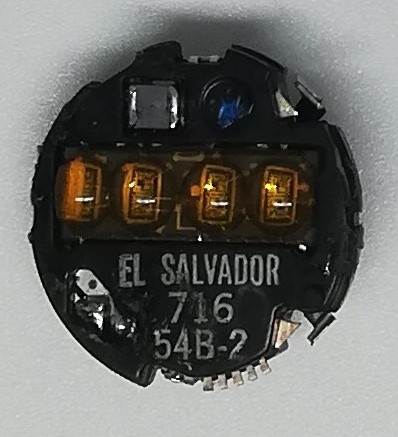 Model: 54B-2 (for Woman's watch)
Battery: 2 x AG-3 Face: LED 4 digit Light: Yes Year: 1976 ( stamped 716 ) Buttons: Two buttons are used, top right and bottom right.
Function: It displays hours, minutes, seconds, and the day of the week and the month.
Info: The original batteries are Mallory Duracell (10L125) and Eveready (UC-392). This module is used in models with code TI-600-XX , TI-700-XX
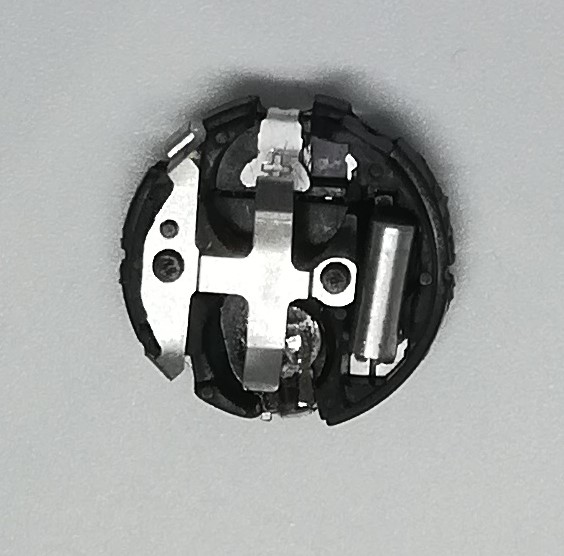
.jpg) Here you can see the particular contact that is used by the button when pressed. Two buttons are used: the one on the top right to display hours, minutes, seconds, day and month, the one on the bottom right to set the hour, minutes, day and month.
Here you can see the particular contact that is used by the button when pressed. Two buttons are used: the one on the top right to display hours, minutes, seconds, day and month, the one on the bottom right to set the hour, minutes, day and month.
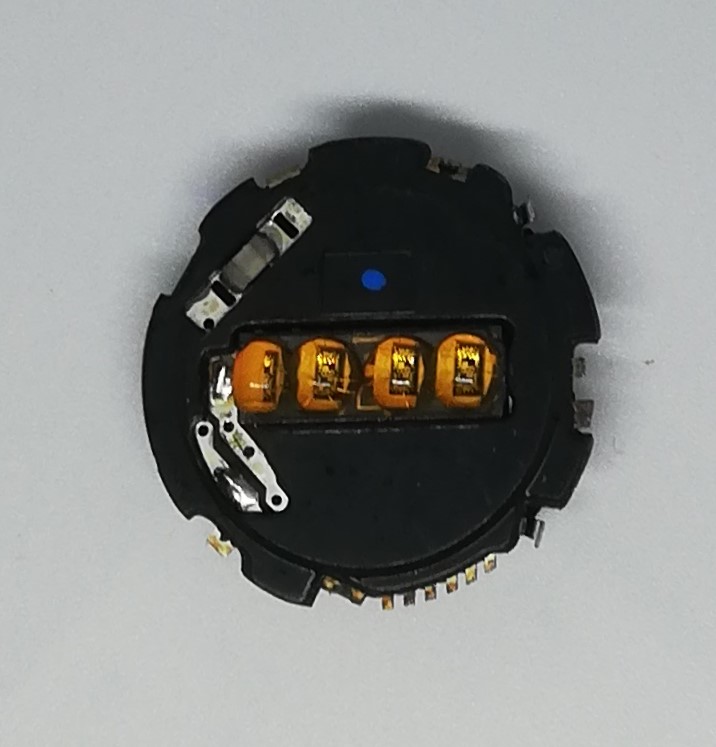 Model: 54D-1 (for Men's watch)
Battery: 2 x AG-12 Face: LED 4 digit Light: Yes Year: 1976 ( stamped 811 ) Buttons: Two buttons are used, top right and bottom right.
Function: It displays hours, minutes, seconds, and the day of the week and the month.
Info: The original batteries are Mallory Duracell (10R124,10L124) and Eveready (UC-386). This module is used in models with code TI-400-XX , TI-500XX
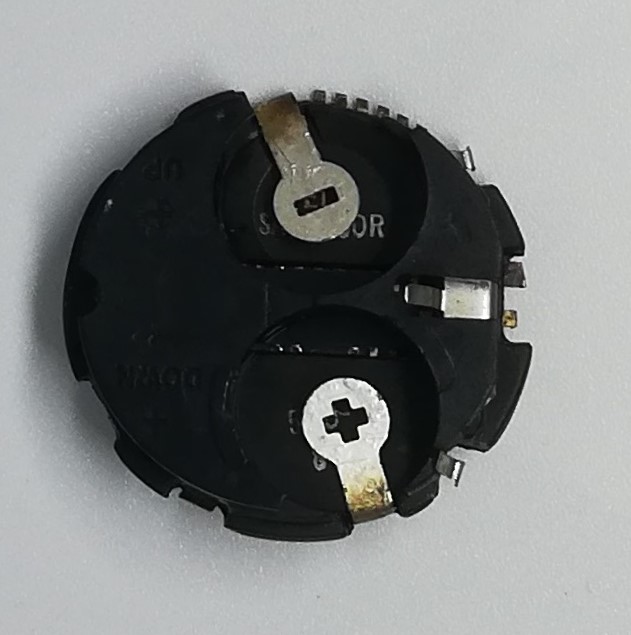
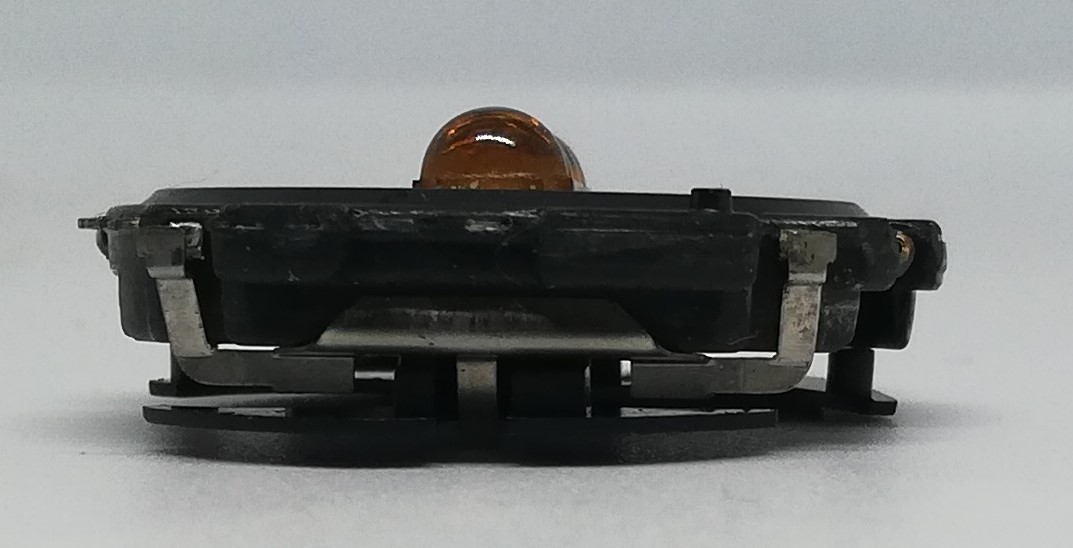 Here you can see the particular contact that is used by the button when pressed. Two buttons are used: the one on the top right to display hours, minutes, seconds, day and month, the one on the bottom right to set the hour, minutes, day and month.

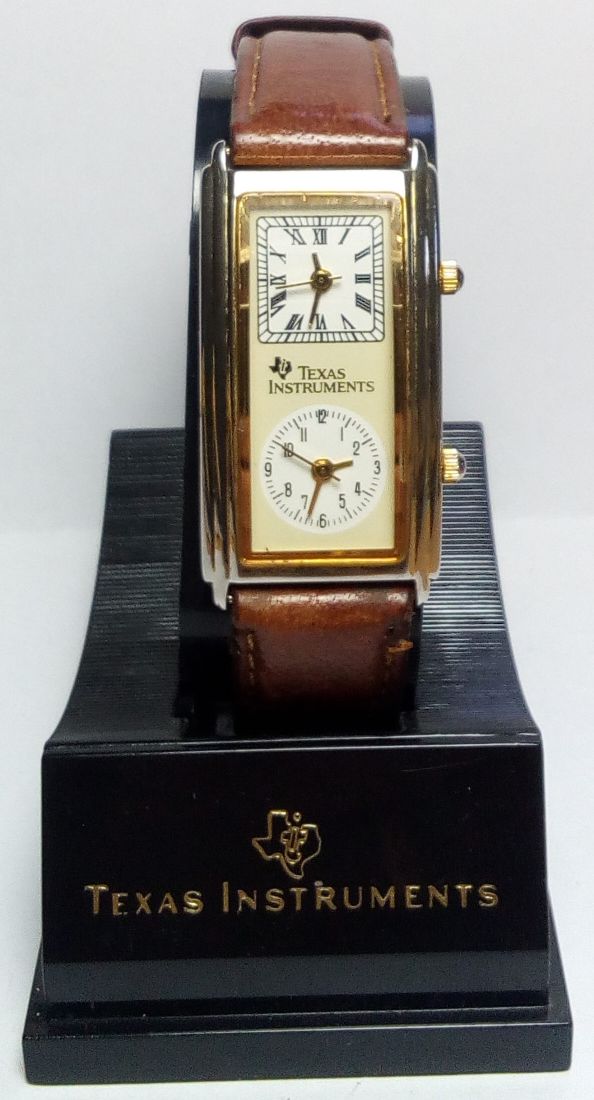
.jpg "Core Module Watch")

.jpg "Calculator Fuller")
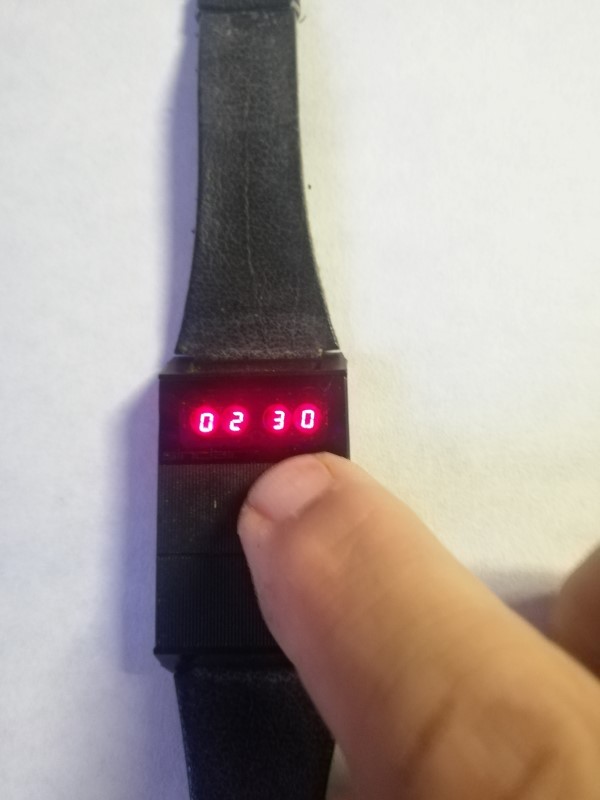

.jpg "Olivetti Valentine")
.jpg "Console / Games")
.jpg "Battle Star Galactica")
.jpg "APPLE")


.png)