
TI Museum
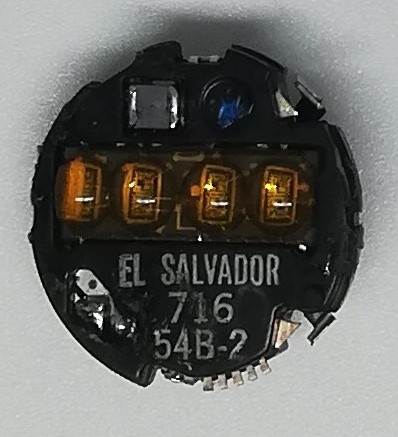 Model: 54B-2 (for Woman's watch)
Battery: 2 x AG-3 Face: LED 4 digit Light: Yes Year: 1976 ( stamped 716 ) Buttons: Two buttons are used, top right and bottom right.
Function: It displays hours, minutes, seconds, and the day of the week and the month.
Info: The original batteries are Mallory Duracell (10L125) and Eveready (UC-392). This module is used in models with code TI-600-XX , TI-700-XX
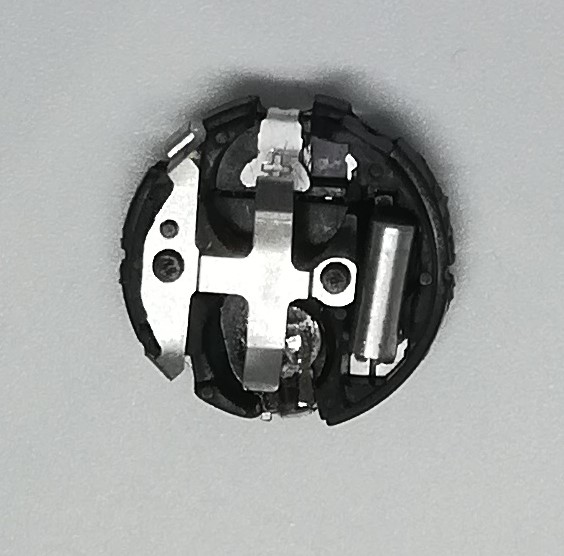
.jpg) Here you can see the particular contact that is used by the button when pressed. Two buttons are used: the one on the top right to display hours, minutes, seconds, day and month, the one on the bottom right to set the hour, minutes, day and month.
Here you can see the particular contact that is used by the button when pressed. Two buttons are used: the one on the top right to display hours, minutes, seconds, day and month, the one on the bottom right to set the hour, minutes, day and month.
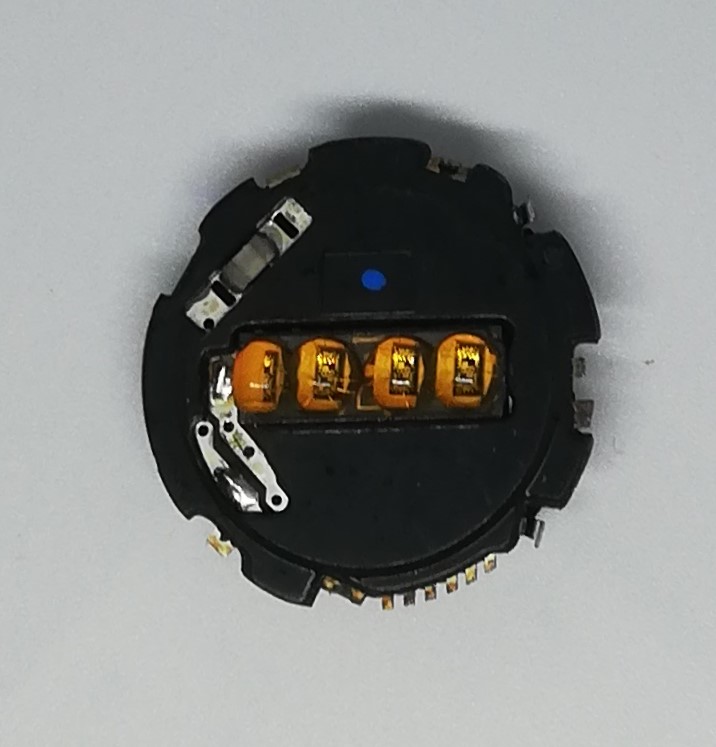 Model: 54D-1 (for Men's watch)
Battery: 2 x AG-12 Face: LED 4 digit Light: Yes Year: 1976 ( stamped 811 ) Buttons: Two buttons are used, top right and bottom right.
Function: It displays hours, minutes, seconds, and the day of the week and the month.
Info: The original batteries are Mallory Duracell (10R124,10L124) and Eveready (UC-386). This module is used in models with code TI-400-XX , TI-500XX
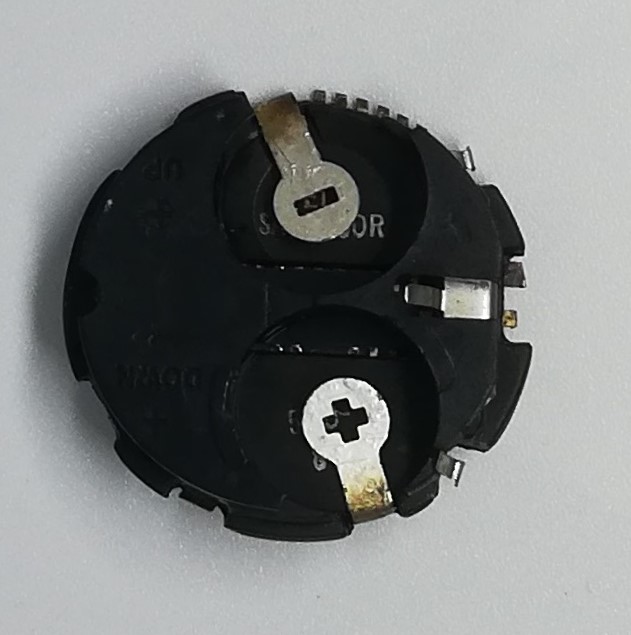
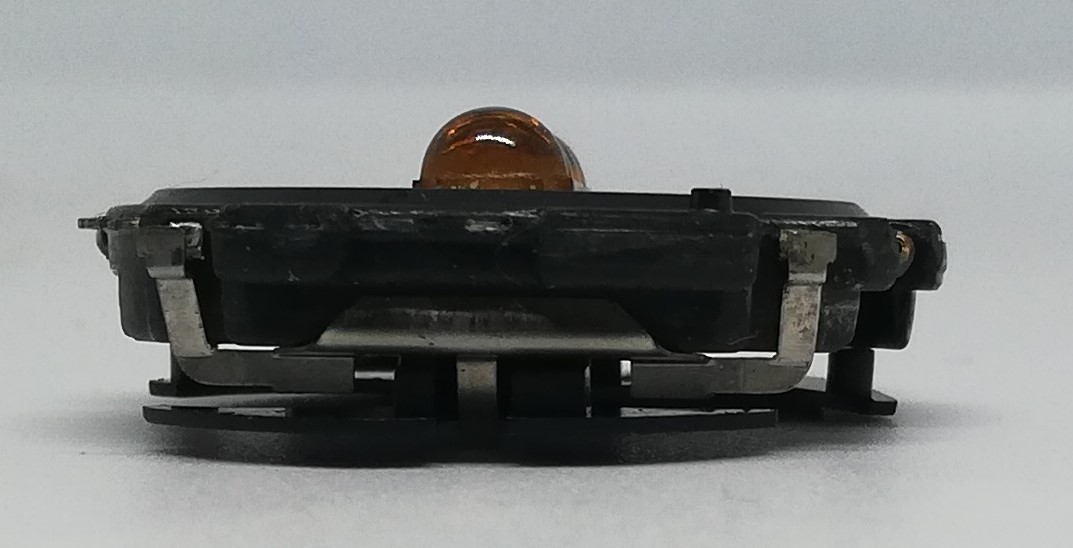 Here you can see the particular contact that is used by the button when pressed. Two buttons are used: the one on the top right to display hours, minutes, seconds, day and month, the one on the bottom right to set the hour, minutes, day and month.
.jpg) Model: 57 (for Women's watch)
Model: 57 (for Women's watch)
Battery: 391 Face: LCD 6 digit + week + alarm Light: NO Year: 1981 Module: Four buttons are used: top right, center right, bottom right, and bottom left.
Function: It displays hours, minutes, seconds and day of the week, and you can also set an alarm.
Info: This module is used in the following model TI-262-31, TI-262-41
.jpg)
.jpg)
.jpg)
Here you can see the specific contact used by the button when pressed. Four buttons are used: top right, center right, bottom right, and bottom left. The top right button is used to select the time, date, and ringtone; the center right button is used to set the various watch parameters; the bottom right button is used to activate the alarm or ringtone function; and the bottom left button is used to set the ringtone time. The last photo shows the buzzer used with the ringtone.
.jpg)
.jpg)
.jpg)
.jpg)
.jpg)
.jpg) Model: 809008 (for Men's watch)
Model: 809008 (for Men's watch)
Battery: LR41 Face: LCD 6 digit + week Light: YES Year: 1980 Buttons: Three buttons are used, top right,center right, bottom right.
Function: It displays hours, minutes, seconds, day and the month. It is equipped with integrated light.
Info: This module is used in the following model TI-441A-41,TI-441A-40
.jpg)
.jpg)
.jpg) Here you can see the specific contact the button uses when pressed. Three buttons are used, one in the top right, one in the center right, and one in the bottom right. The top right button allows you to select the date and seconds, the center right button allows you to set the hour, minutes, and date, while the bottom right button allows you to use the watch's backlight.
Here you can see the specific contact the button uses when pressed. Three buttons are used, one in the top right, one in the center right, and one in the bottom right. The top right button allows you to select the date and seconds, the center right button allows you to set the hour, minutes, and date, while the bottom right button allows you to use the watch's backlight.
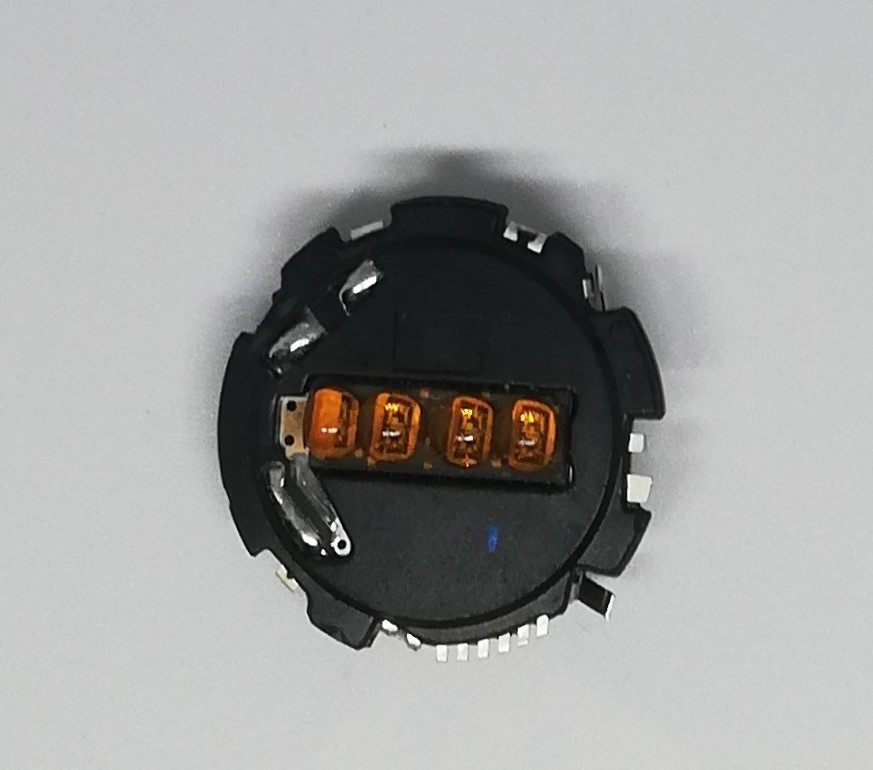 Model: 9962B (for Men's watch)
Battery: 2 x AG-12 Face: LED 4 digit Light: Yes Year: 1977 week 3 ( stamped 7703 ) Buttons: Two buttons are used, top right and bottom right.
Function: It displays hours, minutes, seconds, and the day of the week and the month.
Info: The original batteries are Mallory Duracell (10R124,10L124) and Eveready (UC-386). This module is used in models with code TI-400-XX , TI-500XX
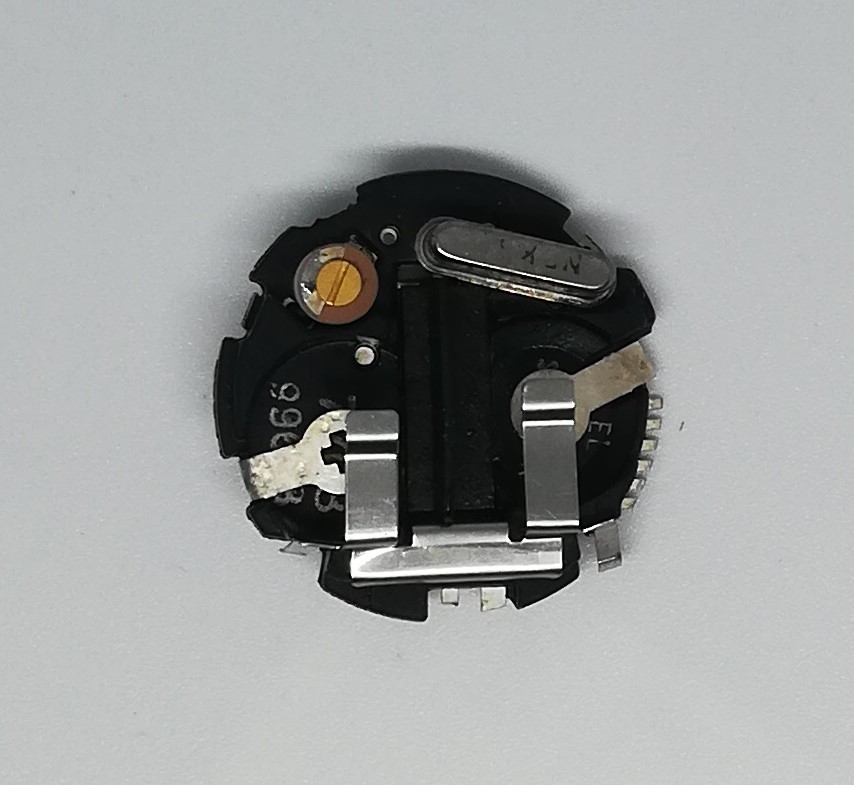
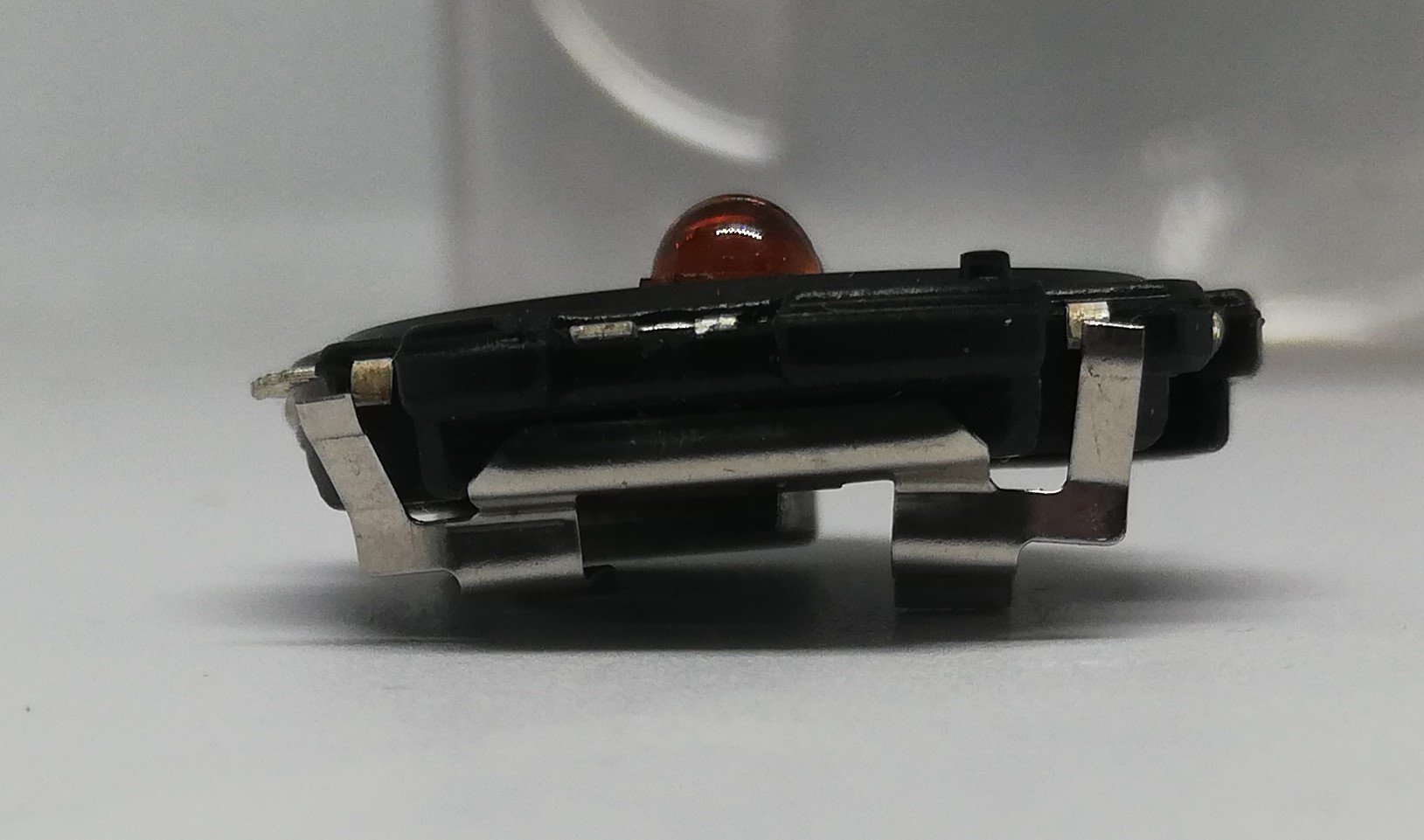 Here you can see the particular contact that is used by the button when pressed. Two buttons are used: the one on the top right to display hours, minutes, seconds, day and month, the one on the bottom right to set the hour, minutes, day and month.
Model: 9971 (for Men's watch)
Battery: 2 x AG-12 Face: LED 4 digit Light: Yes Year: 1976 week 44 ( stamped 7644 ) Buttons: Two buttons are used, top right and bottom right.
Function: It displays hours, minutes, seconds, and the day of the week and the month.
Info: The original batteries are Mallory Duracell (10R124,10L124) and Eveready (UC-386). This module is used in models with code TI-400-XX , TI-500XX
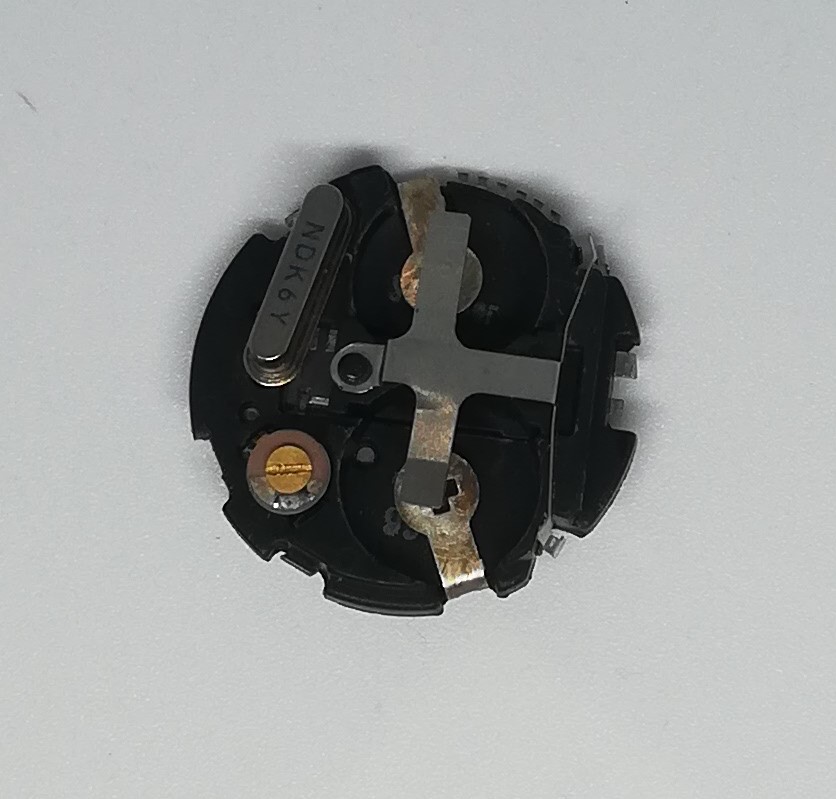
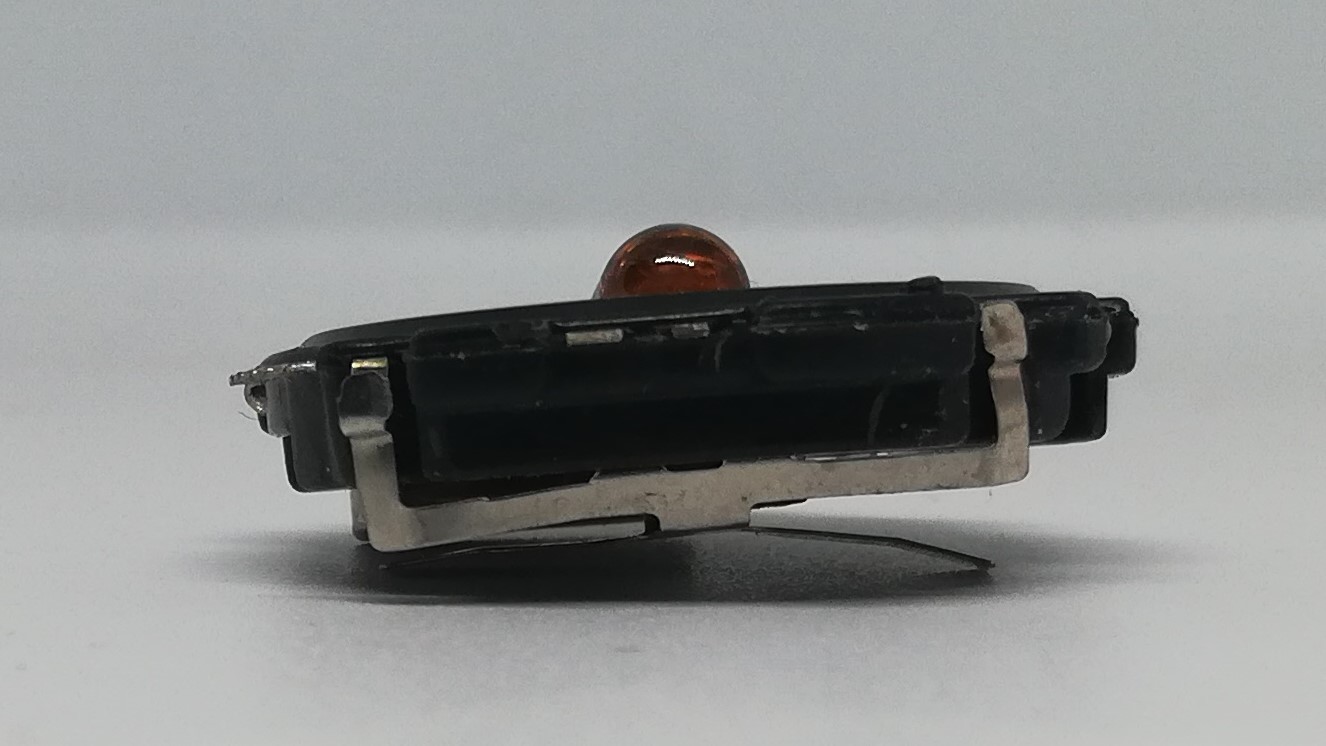 Here you can see the particular contact that is used by the button when pressed. Two buttons are used: the one on the top right to display hours, minutes, seconds, day and month, the one on the bottom right to set the hour, minutes, day and month.
.jpg)
.jpg) Model: M150 (for Men's calculator watch) Dimension: 26 mm x 32 mm Tickeness: 5 mm
Model: M150 (for Men's calculator watch) Dimension: 26 mm x 32 mm Tickeness: 5 mm
Battery: 391 Face: LCD 8 digit + week + alarm Light: YES Year: 1980 Buttons: Four buttons are used: top right, bottom right, top left, and bottom left.
Function: It displays hours, minutes, seconds, day, and month, as well as alarm and buzzer functions. It also has a built-in calculator. It also features a built-in light.
Info: This module is used in the following model TI-810-21
.jpg)
.jpg)
.jpg)
.jpg) Here you can see the specific contact used by the button when pressed. Four buttons are used: one in the top right, one in the bottom right, one in the top left, and one in the bottom right. The top right button allows you to select the time, date, and seconds; the top left button activates the backlight via the internal micro bulb; the bottom left button allows you to set the time, date, day of the week, alarm, and calculator; and the bottom right button allows you to change the time, date, and alarm.
Here you can see the specific contact used by the button when pressed. Four buttons are used: one in the top right, one in the bottom right, one in the top left, and one in the bottom right. The top right button allows you to select the time, date, and seconds; the top left button activates the backlight via the internal micro bulb; the bottom left button allows you to set the time, date, day of the week, alarm, and calculator; and the bottom right button allows you to change the time, date, and alarm.
.jpg)
In this one you can see the micro buzzer on the inside of the watch case cover.
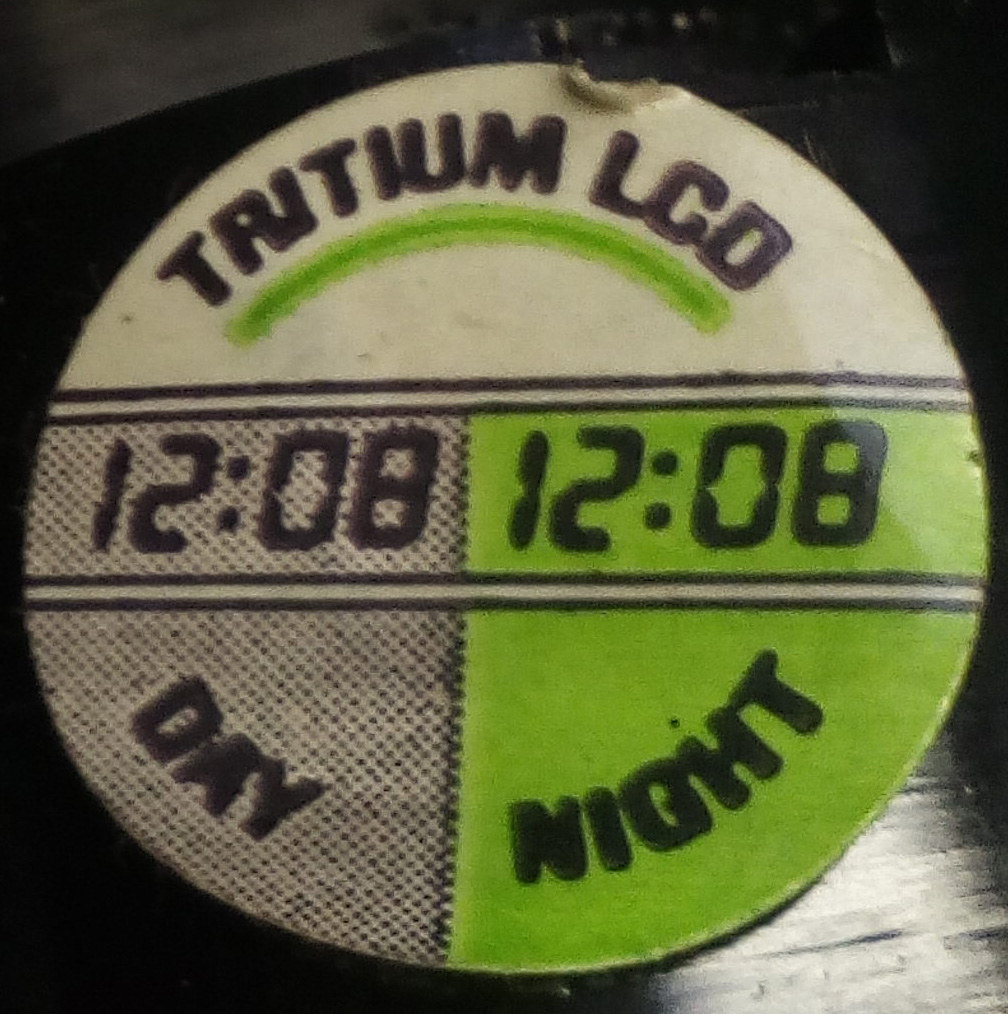 What is the Tritium lighting?
Tritium provides a constant light source that requires no additional power source. There are no buttons to press. The tritium is active every day for up to 25 years. Simply looking at the watch tells you exactly what time it is. Tritium ensures easy reading; the light is perfectly visible even in complete darkness. No other lighting system can boast these advantages. Today, after all these years, many museum watches that used this technology no longer show signs of tritium atom decay.
.jpg)
Here's a module 1015471_E that was used in wristwatches.
Witschi Q Test 3000 ( 1977 )
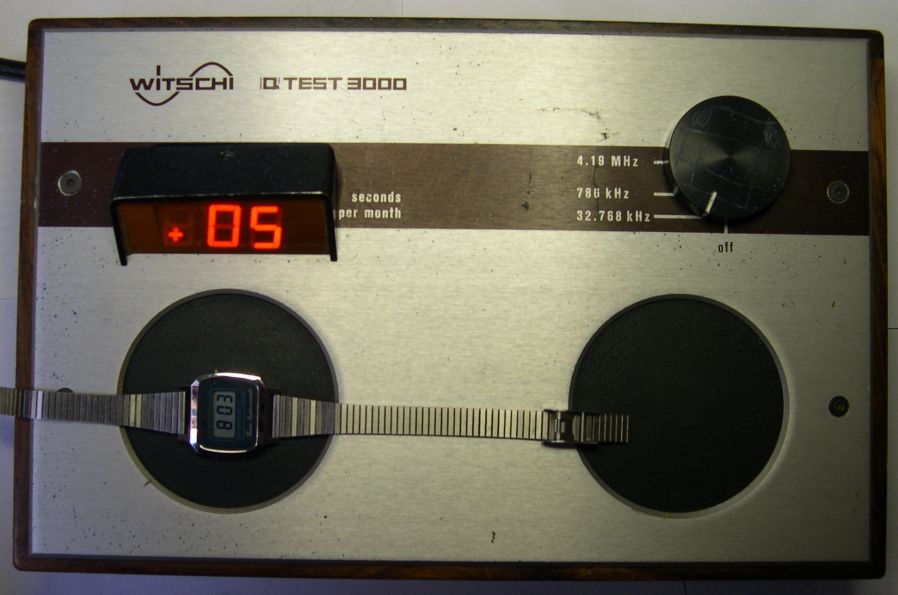
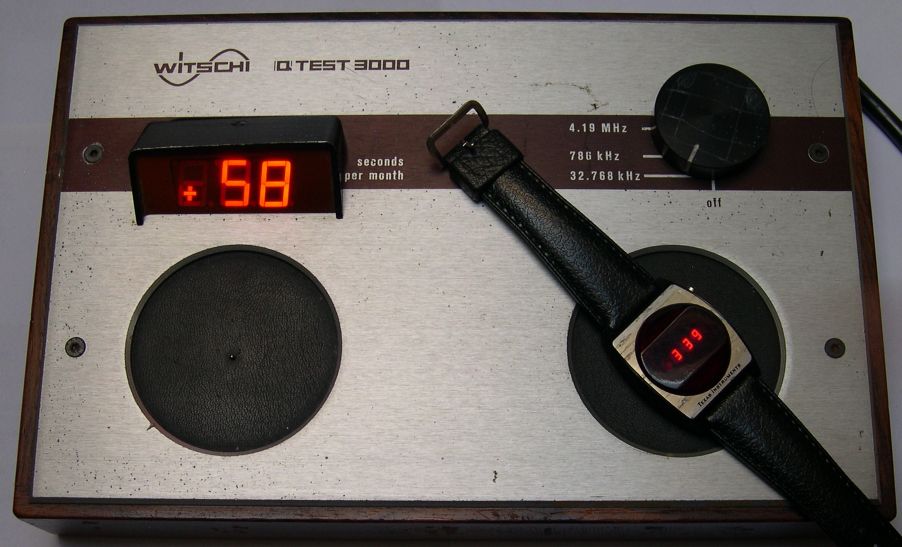
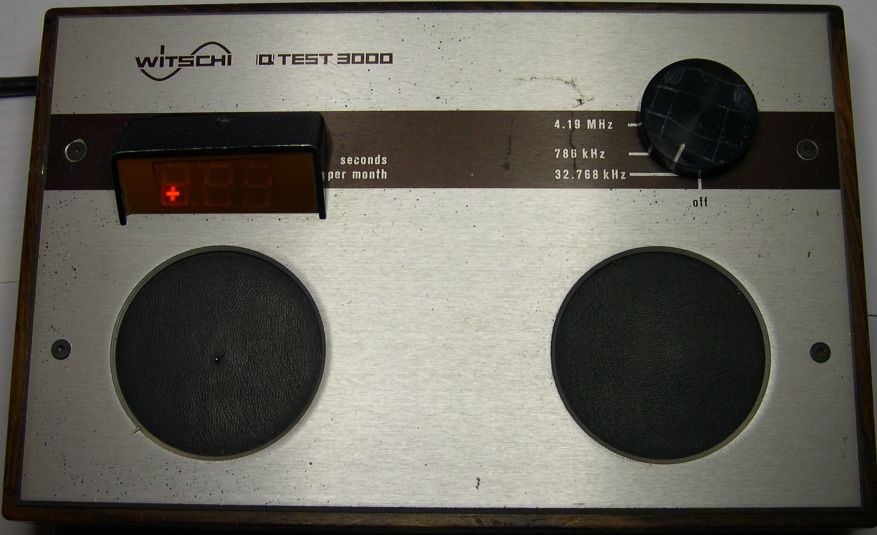
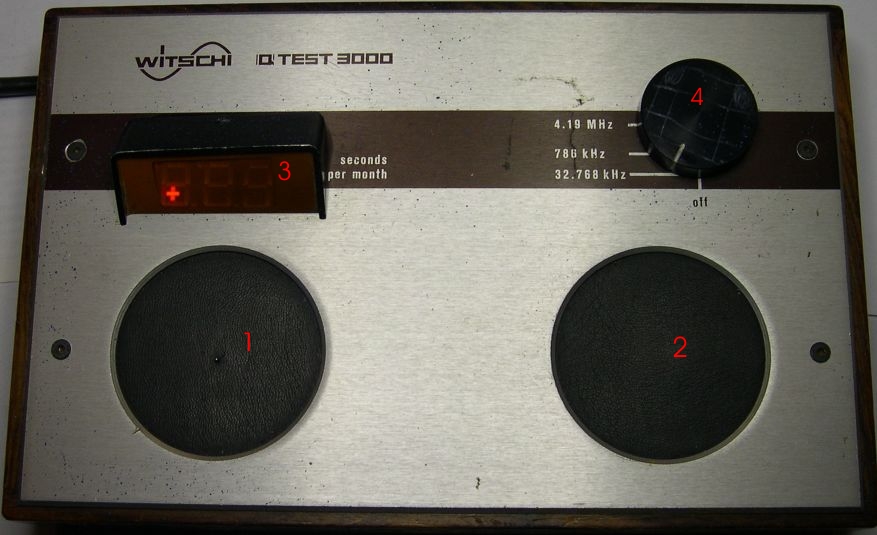
1 - Acoustic Sensor.
2 - Magnetic/capacitor Sensor.
3 - Display lights up if the result for the rate measurement is displayed in seconds per month.
4 - Rotary knob to change ON/OFF and the value of selected parameter : ( 32.768 khz , 786 khz, 4.19 mhz )

.jpg "Core Module Watch")

.jpg "Calculator Fuller")

.jpg "Olivetti Valentine")
.jpg "Console / Games")
.jpg "Battle Star Galactica")
.jpg "APPLE")


.png)